

Description
Overview
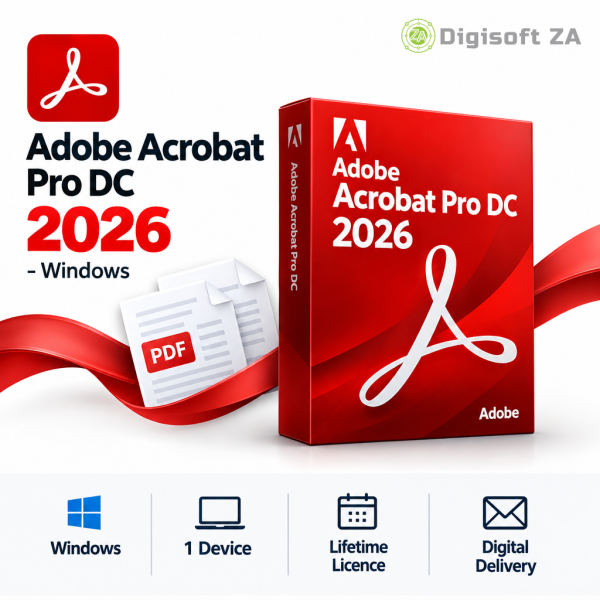
Adobe Acrobat Pro DC 2025 for Mac is a desktop PDF application sold as a one‑time perpetual licence. It provides core Acrobat Pro tools to produce, modify and manage PDF files without the subscription-based cloud services or generative AI cloud features that are explicitly excluded from this listing.
Key Features
This product includes the standard Acrobat Pro DC 2025 feature set for Mac as described in the product information.
- Create and edit PDF documents
- Convert PDFs to and from Word, Excel, PowerPoint and image formats
- Merge, split and organise PDF files
- Add comments, annotations and markups
- Fill and sign PDF forms
- Password protection and document security tools
- OCR (Optical Character Recognition) for scanned documents
- Document sharing and collaboration features (standard Acrobat functionality)
Version Access
This listing provides access to Adobe Acrobat Pro DC 2025 for Mac only.
System Requirements
System requirements below are taken from the product information for the Mac edition.
- Supported macOS: Monterey (12), Ventura (13), Sonoma (14), Sequoia (15)
- Apple Silicon (M1, M2, M3, M4) or Intel‑based Mac
- 8 GB RAM (16 GB recommended)
- 4 GB available storage space
- Display: 1440 x 900 or higher
- Internet connection required for activation (stated in the product information)
Licence & Account Requirements
Licence type: Perpetual licence (one‑time purchase). The saved product data lists the licence duration as Lifetime.
This listing excludes AI‑powered cloud services, generative AI features, Adobe cloud storage services and other subscription online services as stated in the product information.
- Fulfilment requires a personal email address (examples: Gmail, Outlook.com, Yahoo). Each seat requires a separate personal email address.
- No other licence classifications, account bindings or publisher approvals are claimed in the provided product information.
Delivery & Support
Delivery is digital by email; no physical media will be shipped.
Support is available via WhatsApp and email during business hours. Remote installation uses TeamViewer QuickSupport where applicable.
The product listing does not confirm free installation for this item.
Important purchase requirements
Please ensure you have the correct operating system.


Lerato Z. (verified owner) –
Adobe Acrobat Pro DC 2025 – MAC was straightforward to set up and is working well.
Michael (verified owner) –
Everything is working now. I needed some extra time to get it configured correctly.
Samantha (verified owner) –
Worked well overall. Setup took a little time but everything is running properly now.
Nicole (verified owner) –
No complaints. Everything worked the way it should.
Tshepo C. (verified owner) –
Quick and straightforward process. No issues at all.